

How to Check if AI Crawlers Can Access Your Website
BY DZAN VOLODER, FOUNDERLAST UPDATED 6 MIN READ
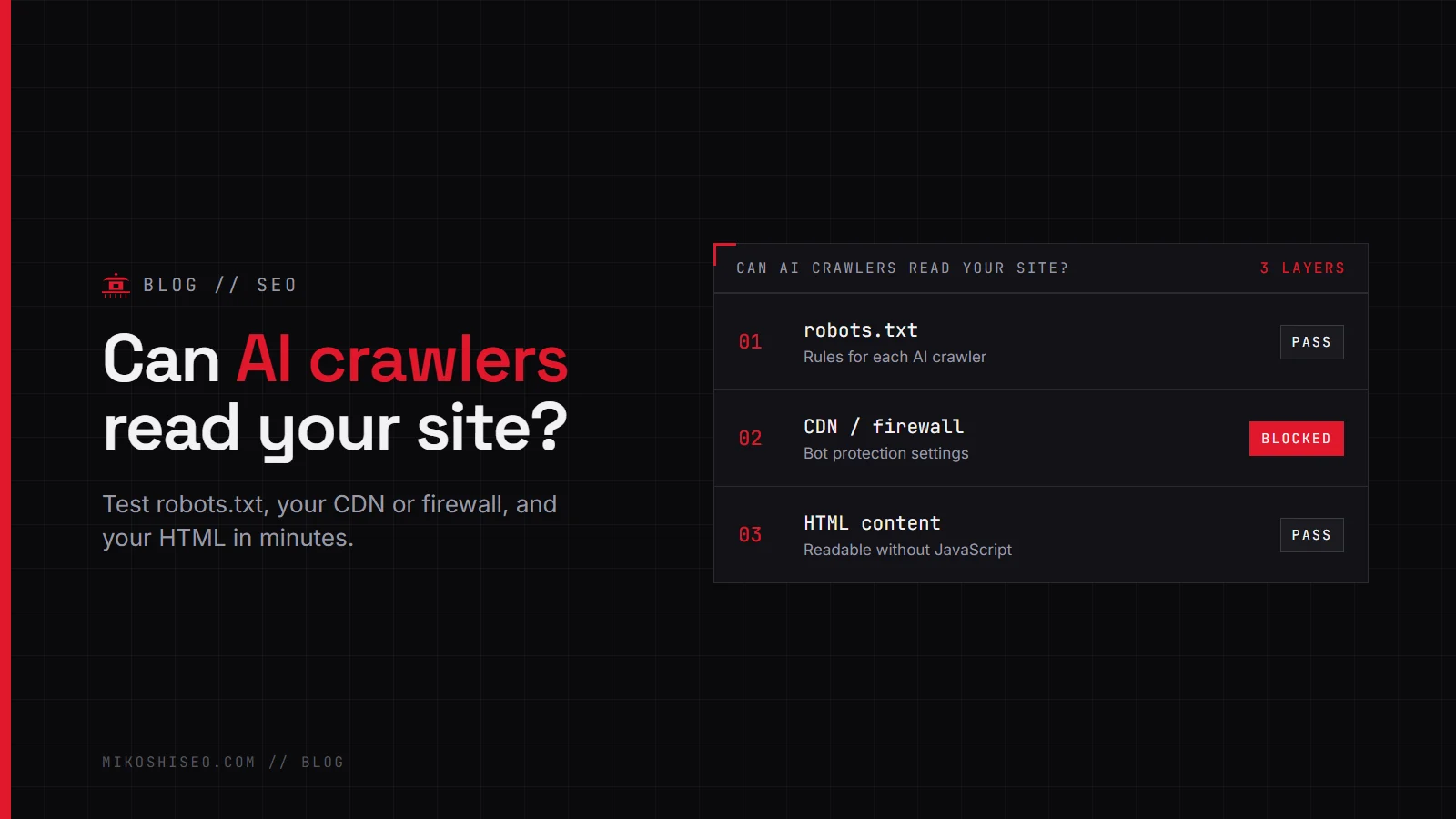
Check three layers: the robots.txt rules for each AI crawler, your CDN or firewall bot settings, and whether your content is in the HTML before JavaScript runs. A crawler has to pass all three to read a page. Our free AI crawler checker tests the robots.txt layer for 18 crawlers in seconds.
Layer 1: robots.txt
robots.txt is the rulebook crawlers read first. Each crawler follows the group of rules for its own name if one exists, otherwise the group for User-agent: *, and the most specific matching rule wins. A single Disallow: / under the wrong group can lock out every AI search crawler.
Run your domain through the free AI crawler checker: it applies these rules for 18 AI search, user-request and training crawlers and shows which are allowed or blocked, with the exact rule that decides it.
Layer 2: your CDN or firewall
robots.txt is a request. Your CDN or firewall is a gate. Bot protection settings can block AI crawlers before they ever see robots.txt, and some are switched on by default.
Perplexity's documentation is a useful example: it recommends allowing PerplexityBot by user agent and by its published IP ranges, notes that Cloudflare's Bot Fight Mode cannot be bypassed with custom firewall rules, and suggests keeping IP lists updated automatically. Check the same for every crawler you want to allow.
Layer 3: content in the HTML
Most AI crawlers do not run JavaScript. If your headline, product details or pricing only appear after scripts run, the crawler gets an empty page even when it is allowed in. Check what a crawler receives with a simple request:
curl -s -A "Mozilla/5.0 (compatible; GPTBot/1.0)" https://yoursite.com/pricing | grep -i "<h1"If the command prints your page heading, the content is in the HTML. If it prints nothing, the page is built in the browser and AI crawlers probably cannot read it. Server-side rendering or pre-rendering fixes this.
Layer 4: confirm it in your logs
The final proof is your access logs. Search them for the AI crawler names and check that the bots reach your important pages and get a 200 status, not 403 or 429 errors. Verify the IP addresses too, because anyone can claim to be a crawler.
Common problems and fixes
- A blanket Disallow: / for User-agent: * left over from a staging site. Remove it.
- Training crawlers blocked on purpose, search crawlers blocked by accident. Allow OAI-SearchBot, Claude-SearchBot and PerplexityBot separately.
- CDN bot protection returning 403 to AI crawlers. Add allow rules for verified crawlers.
- Pages rendered only in the browser. Pre-render or server-render key pages.
- No Sitemap line in robots.txt. Add one so every crawler finds your pages.