

How to Track ChatGPT and AI Assistant Traffic in GA4
BY DZAN VOLODER, FOUNDERLAST UPDATED 6 MIN READ
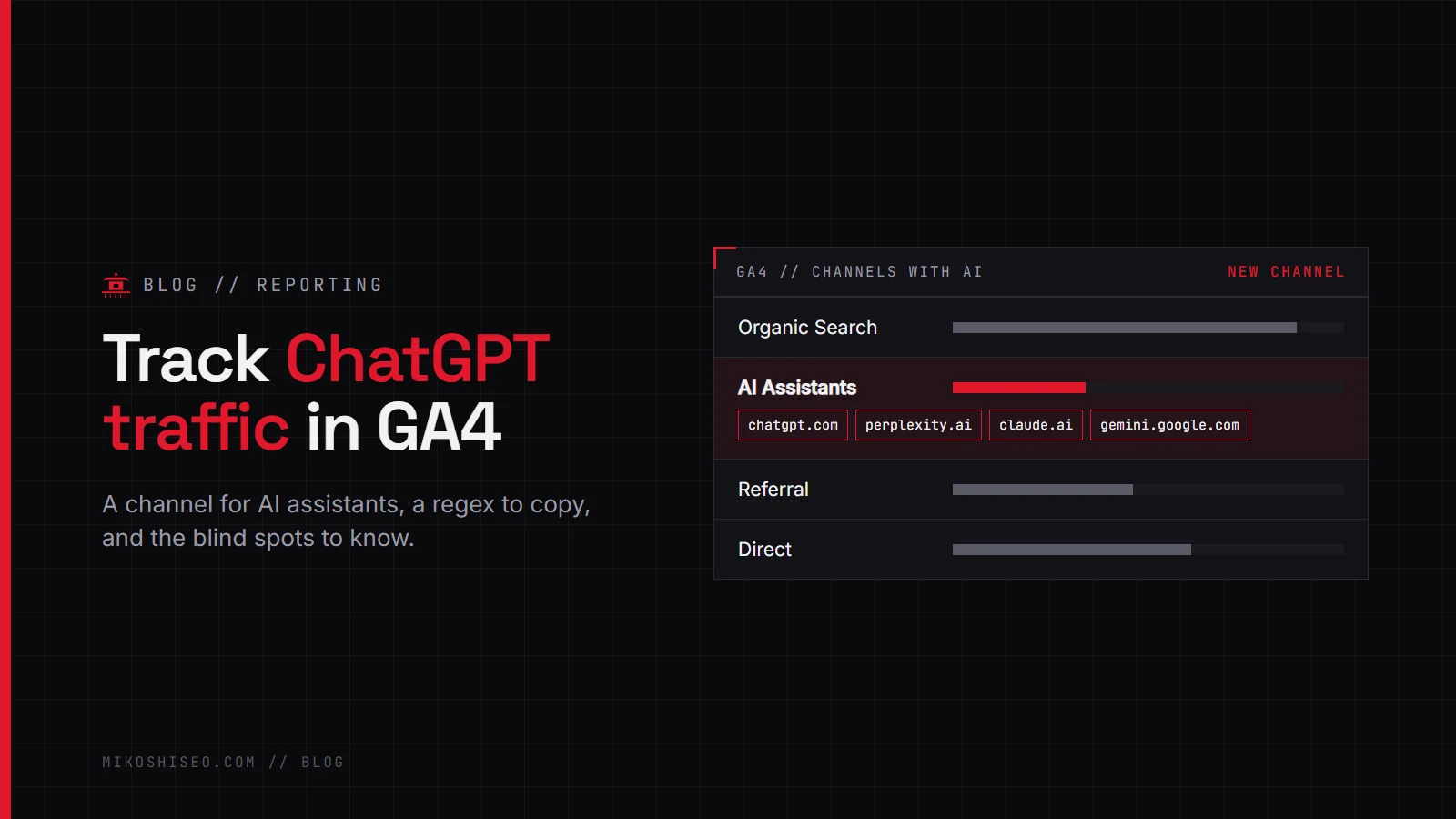
Create a custom channel group in GA4 with an "AI Assistants" channel that matches AI sources such as chatgpt.com, perplexity.ai and claude.ai, and move it above Referral. Expect some AI visits to still show as Direct, because apps and some links pass no referrer, so treat the number as a floor, not the full picture.
Why AI traffic hides in your reports
Out of the box, GA4 files visits from AI assistants under Referral, Unassigned or Direct, mixed in with everything else. You cannot see whether ChatGPT sends you ten visits a month or a thousand.
ChatGPT adds a utm_source tag to many of the links it shows, but reports differ on the exact value, so match it broadly. Other assistants usually pass their domain as the referrer, which is enough to group them.
Step 1: create an AI Assistants channel
- In GA4, open Admin, then Data display, then Channel groups. You need Editor access or above.
- Copy the default channel group, so every existing channel keeps working, and give it a name such as "Channels with AI".
- Add a new channel called AI Assistants, with the condition Source matches regex and the pattern below.
- Move AI Assistants above Referral. GA4 assigns each visit to the first channel it matches, so order matters.
- Save. The new group applies to your existing data as well, so you can look back right away.
Step 2: the regex
This pattern matches the main AI assistants by source. Channel conditions in GA4 are not case sensitive.
.*(chatgpt|openai|perplexity|claude|gemini\.google|copilot|deepseek|meta\.ai).*Add new assistants to the list as your buyers start using them, and review the list every quarter.
Step 3: build a report that answers real questions
- Which assistants send visits. An exploration with Session source as the dimension, filtered to the AI Assistants channel.
- Which pages they land on. Add Landing page. These are the pages assistants cite, so they are worth keeping accurate and up to date.
- Whether they convert. Add key events such as form submits and demo requests, and compare the rate with organic search.
- The trend. Compare month over month. With low volumes, trends tell you more than single numbers.
The blind spots to know about
- Visits from assistant mobile apps often arrive with no referrer and show as Direct.
- Links people copy from an answer and paste into a browser carry no source at all.
- Clicks from Google AI Overviews and AI Mode come from google.com, so they are counted as Google organic search, not as AI assistants.
- Many buyers read an AI answer and later search for your brand directly. That shows up as branded search or direct traffic.
Close the gap with a simple question
Because analytics undercounts AI influence, add an optional "How did you hear about us?" field to your contact and demo forms, and include "ChatGPT or another AI assistant" as an answer. Self-reported answers regularly reveal AI-assisted buyers that analytics files as Direct.